GeoVision GV-NVR
· By zack duncan · Recording, Storage & Remote Viewing, Security Industry & Product News
Updated July 26, 2018
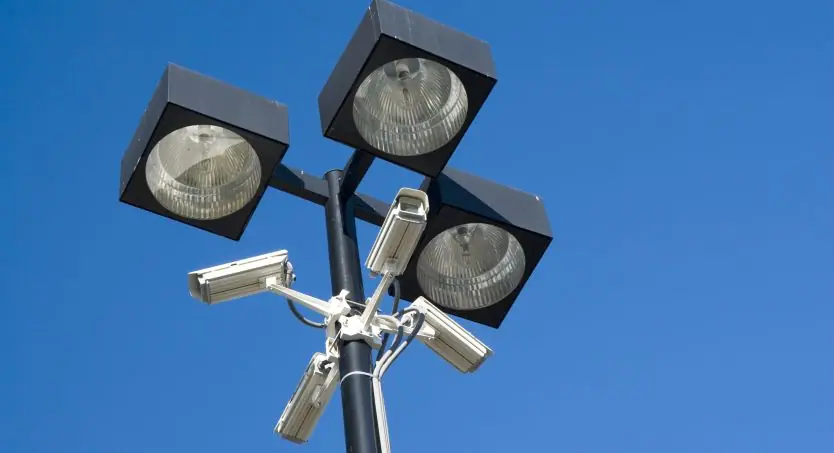
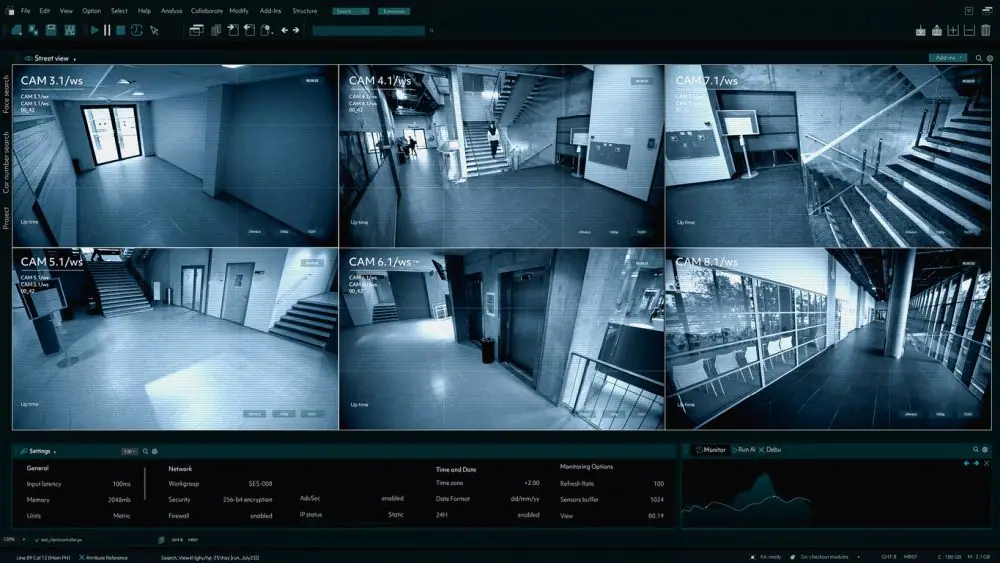
The GeoVision GV-NVR, or Network Video Recorder, is a camera system that records audio and video data over TCP/IP networks. The GV-Surveillance and Video Management Platform is built upon easy-to-integrate and comprehensive supporting technologies and hardware. The GV platform provides performance-optimized video monitoring as well as advanced analytics/control features which support many enterprise’s management functions.
The platform itself is scalable and extensible and can also be fully customized and integrated seamlessly with other security system applications that include POS/ATM/EAS to help with loss prevention, License Plate Recognition systems for law enforcement, entrance control and revenue collection, Central monitoring stations for high profile commercial, industrial or residential areas with high security, access control for building automation or even megapixel IP devices for monitoring critical areas and mobile objects.
The GeoVision GV-NVR allows you to house as little as 4 channels to as many as 32 channels with certain minimum requirements for each. For all channels you will need a minimum OS of either Windows 2000, Windows XP, Windows Server 2003 or Windows Vista though 64-bit versions of these operating systems are not supported. To house 4 channels you will need a minimum Core 2 Duo 2.4GHz CPU and Core 2 Quad 2.4GHz for anything more. All systems require 2×1 GB Dual Channels of RAM and ATIx700 256 MB VGA. You also need a minimum 1 HDD for 4 to 8 channels, 2 HDD for 16 channels and 3 HDD for 32 channels.
GeoVision also recommends that people running 32 channels use 4 hard drives of Seagate SV35.3 Series or other brands and to run 8 channels to a single hard drive. This is recommended due to the fact that with 32 channels of megapixel IP video sources, the size of transmitted data may be very large and reach beyond the processing speed limit of a normal hard drive.
Overall, GV-NVR is a good bet for your camera system with its easy integration to other systems and its solid supporting technologies. If you are in the market for a security camera system but aren’t interested in making a permanent purchase then check out our security camera rentals page.
Looking for a DVR or NVR Security Camera System? If so call today at 877-422-1907 x226 for a free phone consultation.