TV Output from Geovision DVR Server

· By Ian MacCosley · Security Industry & Product News, Recording, Storage & Remote Viewing

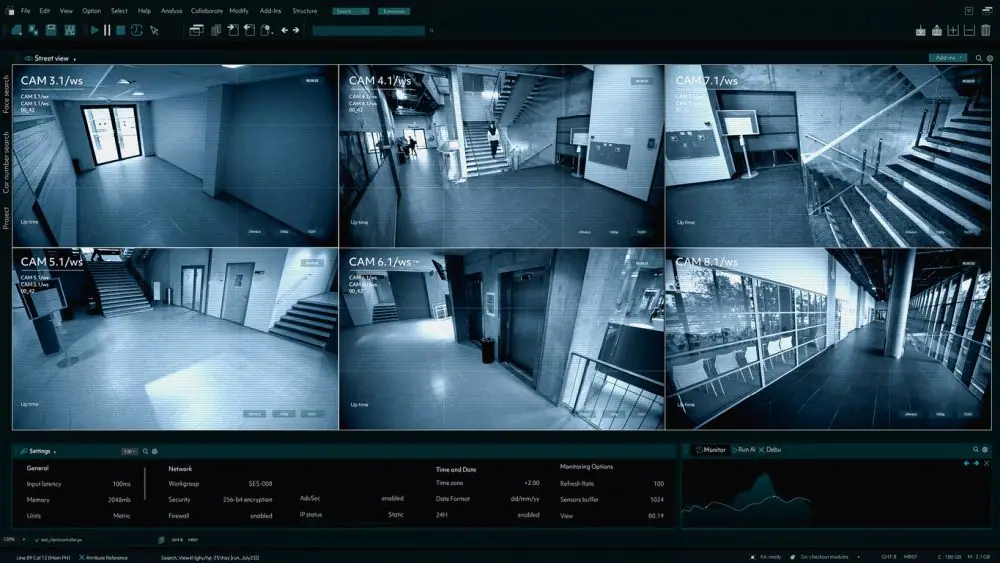
Currently there are four methods available on having a TV output of your DVR monitoring.

1) If the PC DVR server is equipped with a combo card, there is a single video out (RCA) connection on the card. If your card is designed for 8 channels, all 8 channels will be displayed on the TV. If your card is designed for 16 channels, then all 16 channels will be displayed on the TV. Combo cards consist of the GV-1120, 1240 and 1480. If you wish to show only one channel or change the overall layout of the multiple cameras on display (i.e. channel 1 is large with 3-6 on the side is small) you will need to use the software called Spot Monitoring. Spot Monitoring is only available on the GV 8.01+ software, which means you need to latest GV combo card before you can use this feature.

2) If your using the GV-250, 600, 650, or 800 capture card, then you will need to buy a separate extension card in order to have the TV output feature. The card is called a GV-Loop Through card and can output four channels. Unlike the combo cards, the GV-Loop Through card will only output one channel at a via for each connection. For example, output #1 will only output camera #1, output #3 will only output camera #3. You do not have the option to use the Spot Monitoring software with this card.

3) For those that wish to have the spot monitoring feature, but only have a GV-250, 600, 650, or 800 capture card, there is a new extension card that is available. This card is call the GV-TV Out card, and will give you the display feature options just like that with the Spot Monitoring software. Since this card is fairly new, it will only work the the GV main system 8.01+ software.

4) If you wish to display one channel to multiple TVs, you will need to buy a module called DIS-104. This module will recieve one video signal and distribute it to four separate TVs.

For more information contact Camera Security Now
Related posts

Frequently Asked Questions

Common questions from organizations planning commercial surveillance, access control, upgrades, and installation.

What kinds of organizations does Camera Security Now work with?

Camera Security Now supports businesses, schools, healthcare facilities, government organizations, apartment communities, warehouses, manufacturers, regulated environments, and other commercial properties.

Does Camera Security Now provide security camera installation?

Yes. Camera Security Now supports commercial projects with consultation, system planning, equipment selection, installation coordination, configuration, testing, and related project services. Licensing and installation arrangements may vary by state.

Can Camera Security Now help select the right camera system?

Yes. We help buyers evaluate camera coverage, image quality, lighting, analytics, storage, remote viewing, networking, environmental requirements, and future expansion.

Do you offer access control as well as security cameras?

Yes. Camera Security Now helps organizations evaluate commercial video surveillance and access control technologies, including controlled doors, cards, mobile credentials, visitor workflows, intercoms, and integrated platforms.

Do you work with multi-location businesses and organizations?

Yes. Multi-location projects may include centralized video management, remote viewing, common equipment standards, user administration, storage planning, access control, and coordinated deployment.

Can you upgrade an existing commercial surveillance system?

Yes. Existing systems can often be expanded or modernized with updated cameras, recording equipment, storage, networking, analytics, remote access, or access control. Compatibility depends on the equipment and infrastructure already installed.

Ready to Plan Your Commercial Security Project?

Tell us about your property, existing equipment, coverage concerns, analytics goals, access control needs, and installation requirements. We’ll help you define the next practical step.